If you have TOGAF certification but struggle to apply it practically, you are not alone. I spent six months implementing TOGAF perfectly - created every artifact, followed every phase, produced 47 pages of documentation. Nobody read any of it.
This article reveals the specific TOGAF elements that consistently deliver value across organizations and which ones you can skip without guilt. You will learn the Framework Pantry Principle that transforms overwhelming comprehensive frameworks into practical, selective tools that actually get adopted.
This expands on my video about discovering which 20% of TOGAF addresses 80% of real coordination problems through hard-won experience at a Dutch Water Management Agency.
The Perfect Implementation That Failed
When I first attempted TOGAF implementation as a Solution Architect, I followed the certification training to the letter. Our organization needed better coordination across four development teams - seemed like the perfect TOGAF use case.
I implemented every phase methodically. Architecture Vision (Phase A) established the strategic context. Business Architecture (Phase B) mapped all business processes. Information Systems Architecture (Phase C) documented data flows and applications. Technology Architecture (Phase D) specified infrastructure standards.
The result? Forty-seven pages of comprehensive documentation that nobody read.

The comprehensive approach created too much to consume. Stakeholders checked out because they could not find what was relevant to them in the mass of documentation. I was implementing a framework instead of solving a problem.
This failure taught me that framework completeness is not the same as framework effectiveness. The goal is not "do TOGAF correctly" - it is "solve coordination problems."
The Framework Pantry Principle
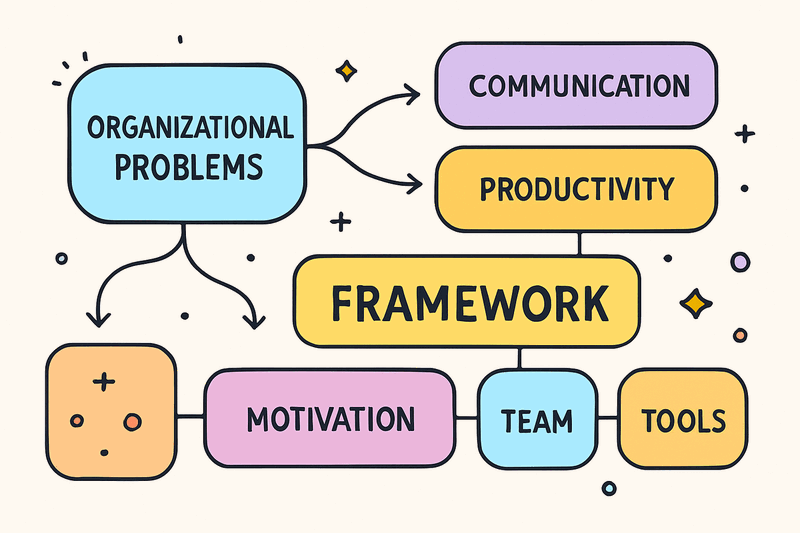
Six months later, facing the same coordination problems, I tried a different approach. Instead of starting with TOGAF phases, I started with pain points.
I asked: "What coordination problems are actually crushing us right now?" Three emerged: API ownership unclear, deployment governance missing, technology standards inconsistent.
Then I selected only TOGAF elements that addressed those specific problems. Used Phase C (Information Systems) for API ownership boundaries. Used Phase D (Technology) for deployment governance. Skipped Phase B (Business) entirely - it was not the bottleneck.
The result? Maybe 15% of the artifacts from my first attempt, but actual adoption.
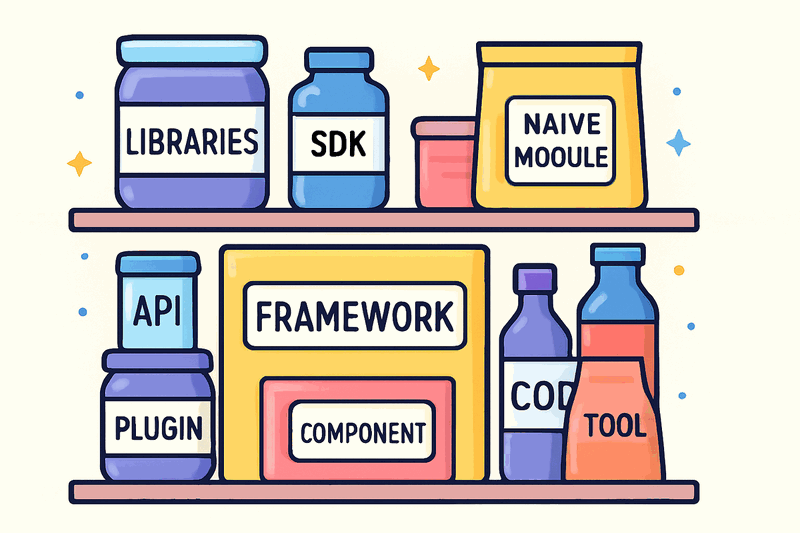
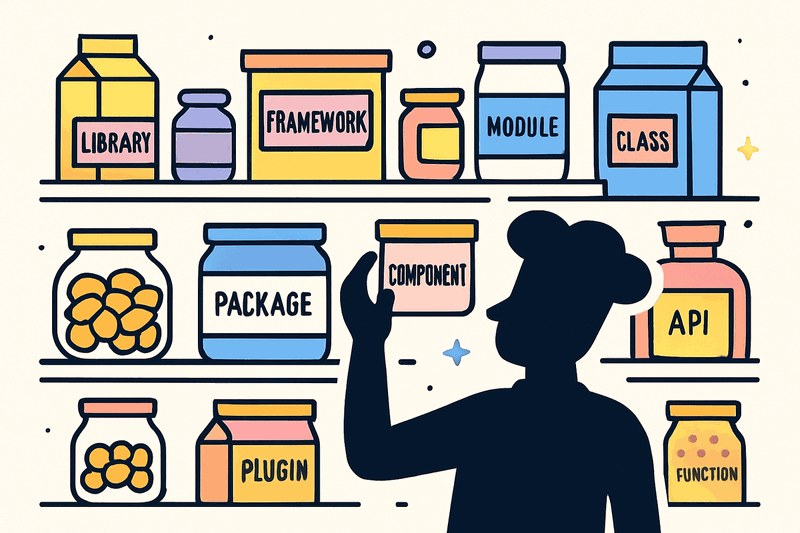
This revelation became what I call The Framework Pantry Principle: Treat comprehensive frameworks like a pantry of ingredients rather than a recipe to follow. You open the pantry, look at what you are cooking today, and select the ingredients that fit. You do not use every ingredient for every meal.
The skill shifts from "following the recipe correctly" to "knowing which ingredients suit this dish." Framework mastery is selection skill, not comprehensiveness.
Pain-Point-First Selection Criteria
The Framework Pantry Principle requires a selection method. This is where Pain-Point-First Selection becomes essential.
Before opening any framework documentation, write down your top three organizational pain points. Then ask: "Which framework elements directly address these specific problems?"
Create this mapping for every element you consider:
- Pain Point: What coordination problem exists?
- Framework Element: Which TOGAF component addresses it?
- Expected Outcome: What will change when implemented?
If you cannot complete this mapping for a framework element, skip it. This ensures every framework element you implement has clear justification and eliminates "doing TOGAF for TOGAF's sake."
The decision criteria becomes: Does this framework element solve a problem we have today, or are we implementing it because the framework says we should?
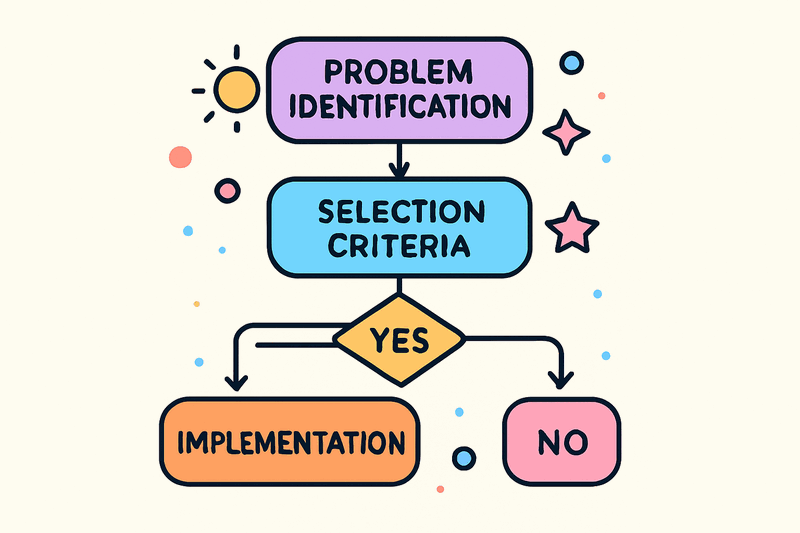
This approach transforms framework implementation from compliance exercise to problem-solving activity. The framework serves the problem, not the reverse.

The High-Value TOGAF Subset
Through trial and error, combined with community validation from practicing architects, a consistent pattern emerges: certain TOGAF elements deliver value across organizations regardless of industry or size.
The High-Value Subset represents the 20% that addresses 80% of real coordination problems:
Phase Elements That Consistently Deliver Value
Architecture Vision (Phase A): Essential for stakeholder alignment, but keep it to 2-3 pages maximum. The value is in the alignment process, not the document comprehensiveness.
Information Systems Architecture (Phase C): Critical when team coordination is the problem. Defines API ownership boundaries and data responsibilities that prevent teams from stepping on each other.
Technology Architecture (Phase D): Valuable when technology fragmentation is the problem. Establishes platform standards and deployment governance without micromanaging implementation details.
Artifacts That Actually Get Used
Stakeholder Map: Always valuable, but as a working tool, not a document. Identifies real decision-makers versus formal stakeholders.
Architecture Principles: Essential when decisions are inconsistent. Provides decision guidance that teams can apply independently.
Gap Analysis: Critical when prioritization is disputed. Justifies roadmap decisions with clear before-and-after comparisons.
What to Skip Initially
Business Architecture (Phase B): Skip unless business process is the actual problem. Most coordination issues are technical, not process-related.
Detailed ArchiMate Models: Skip unless your team needs shared visual language. Often becomes documentation for documentation's sake.
Architecture Repository Setup: Skip unless you have multiple architects needing coordination. Overhead exceeds value for single-architect organizations.
Formal Governance Boards: Skip unless organization is large enough to need them. Governance through principles works better than governance through committees.
Community Validation
My selective approach felt like rationalization until I tested it with the community. A LinkedIn post about TOGAF implementation failure generated 51 comments from practicing architects across industries.
The consensus was overwhelming: selective application is the norm, not the exception.
Jim Clendon, Government Architecture Consultant: "TOGAF is a pantry - you do not use everything."
Mark Sherwood, Enterprise Architect: "The only way is to be selective."
Aaron Songah, Founder and CEO: "Frameworks are guides, not roadmaps."
John Dell'Oso, IT Professional: "I pick out aspects I believe are useful."
This pattern appeared consistent across government, finance, and technology sectors. The community had figured this out through collective experience, but nobody published "which 20%." Everyone was discovering it independently through trial and error.

Implementation Strategy
Applying the Framework Pantry Principle requires systematic approach:
Step 1: Problem Identification
List your top three coordination or architecture problems right now. Be specific: "API ownership unclear between teams" rather than "communication issues."
Step 2: Element Mapping
For each problem, identify which single TOGAF element most directly addresses it. If you cannot identify a matching element, the problem may not need TOGAF at all.
Step 3: Outcome Definition
Define what success looks like for each selected element. "Teams stop arguing about API ownership" is better than "Information Systems Architecture complete."
Step 4: Implementation Sequence
Start with Architecture Vision for stakeholder alignment, then add elements based on pain point priority. Resist the urge to implement everything simultaneously.
Step 5: Adoption Validation
Measure adoption, not completion. A two-page Architecture Vision that gets referenced is more valuable than a 20-page document that gets ignored.
Common Pitfalls and How to Avoid Them
Pitfall 1: Framework Guilt
Feeling like incomplete implementation means failure. Remember: the goal is solving problems, not framework compliance.
Pitfall 2: Scope Creep
Adding framework elements because they seem relevant. Stick to your original pain point mapping.
Pitfall 3: Documentation Trap
Creating comprehensive documents instead of working tools. Focus on adoption over completeness.
Pitfall 4: One-Size-Fits-All
Assuming the same subset works for every organization. Your 20% may differ based on specific coordination problems.
Measuring Success
Success metrics for selective TOGAF implementation differ from comprehensive approaches:
Adoption Rate: What percentage of stakeholders actively use the framework elements you implemented?
Decision Velocity: How quickly can teams make architecture decisions using your framework elements?
Coordination Overhead: Has framework implementation reduced or increased meeting time and email threads?
Problem Resolution: Are the original pain points actually being addressed?
These metrics matter more than framework completeness percentages or artifact counts.
Conclusion
TOGAF is a pantry, not a recipe. The skill is knowing which elements address your specific organizational pain points rather than implementing everything because the framework says you should.
The Framework Pantry Principle transforms overwhelming comprehensive frameworks into practical, selective tools. Pain-Point-First Selection ensures every element you implement has clear justification. The High-Value TOGAF Subset provides a starting point validated by community experience.
Your mileage may vary - your organizational 20% might differ from mine. But the selection principle remains constant: match framework elements to problems, not compliance requirements.
Start by writing down your top three coordination problems right now. Map each to a TOGAF element. If you cannot complete the mapping, skip that element. Focus on adoption over completeness.
The community consensus is clear: selective application works, comprehensive compliance does not. You have permission to be practical rather than perfect.
Resources
- Related: [I Applied TOGAF to 4 Teams - Here's What Actually Worked]
- Video: https://www.youtube.com/watch?v=qqgv7in5gO4
Watch the video for the personal stories behind this framework: https://www.youtube.com/watch?v=qqgv7in5gO4
What TOGAF elements have delivered the most value in your experience? Which have you stopped using?